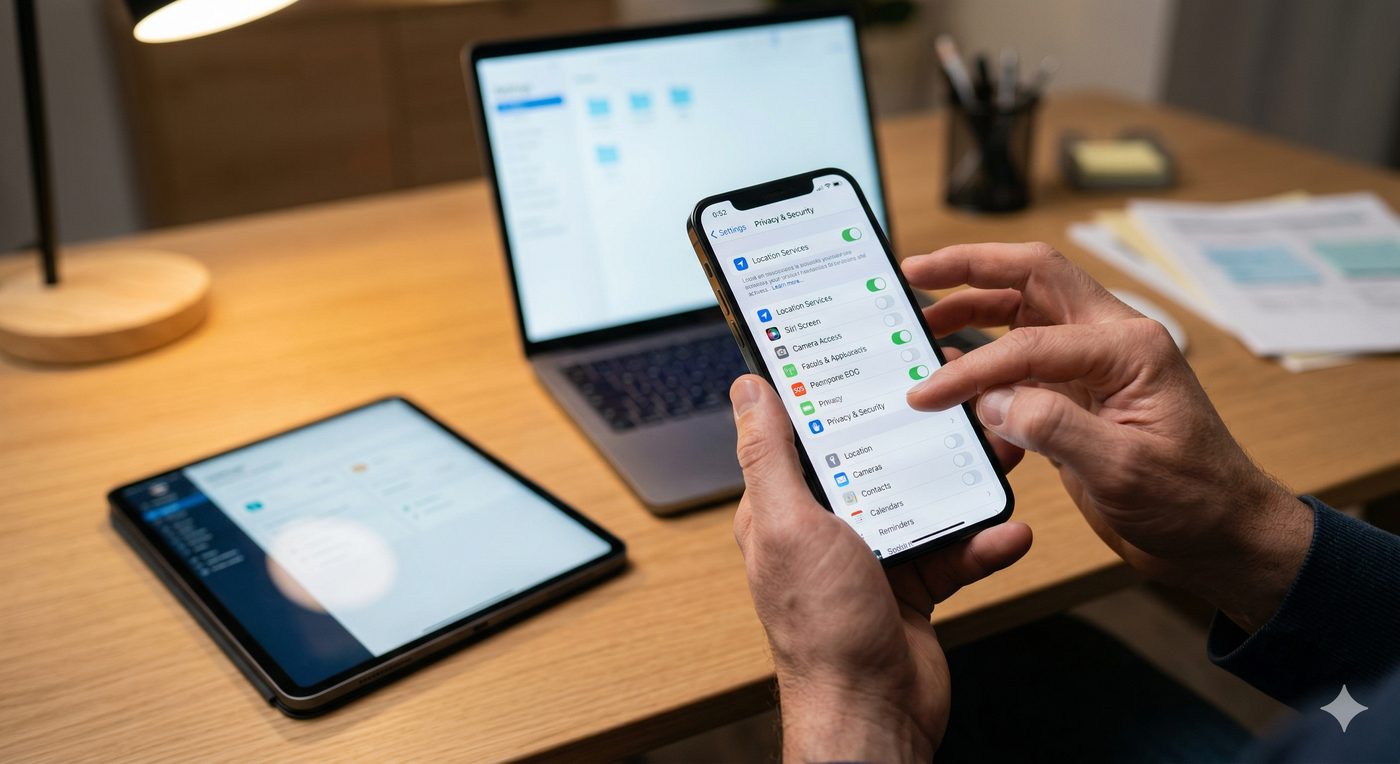
Parent reviewing privacy settings on devices
Module 05 of 06

Your Toolkit

"I'm not helpless. Here's what I can actually do."

Learning Objectives — By the end of this module, you will:

Sarah spent a Saturday afternoon with Lily going through her phone together. Not as a punishment. Not as a search. As a project. She told Lily she wanted to understand what everything did — and she asked Lily to explain it to her.

What she discovered surprised her. Lily actually wanted certain protections. She wanted location sharing with her mom. She was relieved when Sarah suggested keeping Discord to friends-only mode. She just needed to be part of the decision. The tools weren't the obstacle. The conversation was.

The Right Frame: Safety, Not Surveillance

There's an important distinction between monitoring your child in a way that builds trust and surveilling them in a way that destroys it. The goal is not to read every message. The goal is to reduce the pathways through which harm can reach your child — and to do that with their knowledge and buy-in wherever possible.

Research consistently shows that children who know their parents are involved in their digital lives — not spying, but present — are safer and more likely to disclose problems. The tools below work best when introduced openly, not installed secretly.

The Rule of Transparency

Before installing any monitoring or restriction tool, tell your child what it does and why. "I'm not trying to read your messages. I'm trying to make sure strangers can't get to you." This one conversation changes the dynamic from control to partnership.

The Technology Layer

🛡️
RoseShield™
AI-Powered · Privacy-First · On-Device

RoseShield™ is the AI detection layer developed by ChildSafe.dev and licensed to The Proudfoot Group. Unlike traditional parental controls that block content after the fact, RoseShield™ detects behavioral patterns — the signals that indicate grooming, exploitation, or inappropriate contact — and surfaces alerts to designated contacts.

All processing is local — no data ever leaves the device
No face scans, no personal data collected — behavioral signals only
Detects grooming pattern escalation across messaging platforms
Privacy-first design: children are protected, not surveilled
Enables COPPA, GDPR-K, and KOSA compliance for schools and platforms
🔐
ChildSafe.dev
Platform Safety Infrastructure

ChildSafe.dev is the compliance and integration layer that connects digital platforms with child safety standards and reporting pathways. As a parent, this matters to you because it's what creates accountability upstream — when schools and platforms use ChildSafe.dev infrastructure, the entire digital environment your child operates in becomes safer.

Institutional reporting pathways for schools and platforms
Connects technology to law enforcement channels when needed
Creates audit trails for evidence preservation
Developer tools that make platforms safer by design
📱
Built-In Parental Controls
Free · Available Now · Device-Level

Every major device has built-in tools most parents never use. These are free, require no installation, and can make a significant difference when configured correctly. They are not foolproof — but they raise the barrier meaningfully.

Quick Setup by Device

🍎
iPhone / iPad
  1. Settings → Screen Time → Turn On Screen Time
  2. Content & Privacy Restrictions → Enable
  3. Communication Limits → set who can contact during and after school
  4. App Store limits → prevent new app downloads without approval
  5. Location sharing → Family Sharing → always visible to parent
🤖
Android
  1. Google Family Link app → install on parent and child device
  2. Set app approval — every download requires parent sign-off
  3. Activity reports → weekly digest of app usage
  4. Location sharing → always on for parent
  5. Bedtime locks → device goes dark at set hour
🎮
Gaming Consoles
  1. PlayStation: Settings → Family Management → restrict communications to friends-only
  2. Xbox: Microsoft Family Safety app → activity reports and spending limits
  3. Nintendo: Nintendo Switch Parental Controls app → playtime limits and content restrictions
  4. All: disable voice chat with strangers by default
📶
Home Router
  1. Log in to your router admin panel (usually 192.168.1.1)
  2. Enable parental controls or content filtering
  3. Set time-based restrictions — internet off after 9pm
  4. Consider Circle, Bark, or similar dedicated family routers for stronger controls
Featured Video Parental Controls That Actually Work ~5 min
Parental Controls That Actually Work
Digital safety guide for parents · 2024

A practical walkthrough of the most effective built-in parental controls available on iPhone, Android, and gaming platforms — no technical experience required.

Find on YouTube →
A practical walkthrough of the most effective built-in parental controls available on iOS, Android, and common gaming platforms.
Module Assignment
Assignment 05 · Device Safety Audit
3-Step Audit — Do This Today
Get your child's primary device and work through these checks together. Check each item as you complete it.
1
Privacy Settings Audit
2
App Inventory
3
Communication Safety
Audit Progress: 0 of 12 items
0%

Complete at least 8 of 12 audit items to unlock the final module.

Module 4
Module 5 of 6
Final Module: After